Spec Map Actions for iRacing Painters
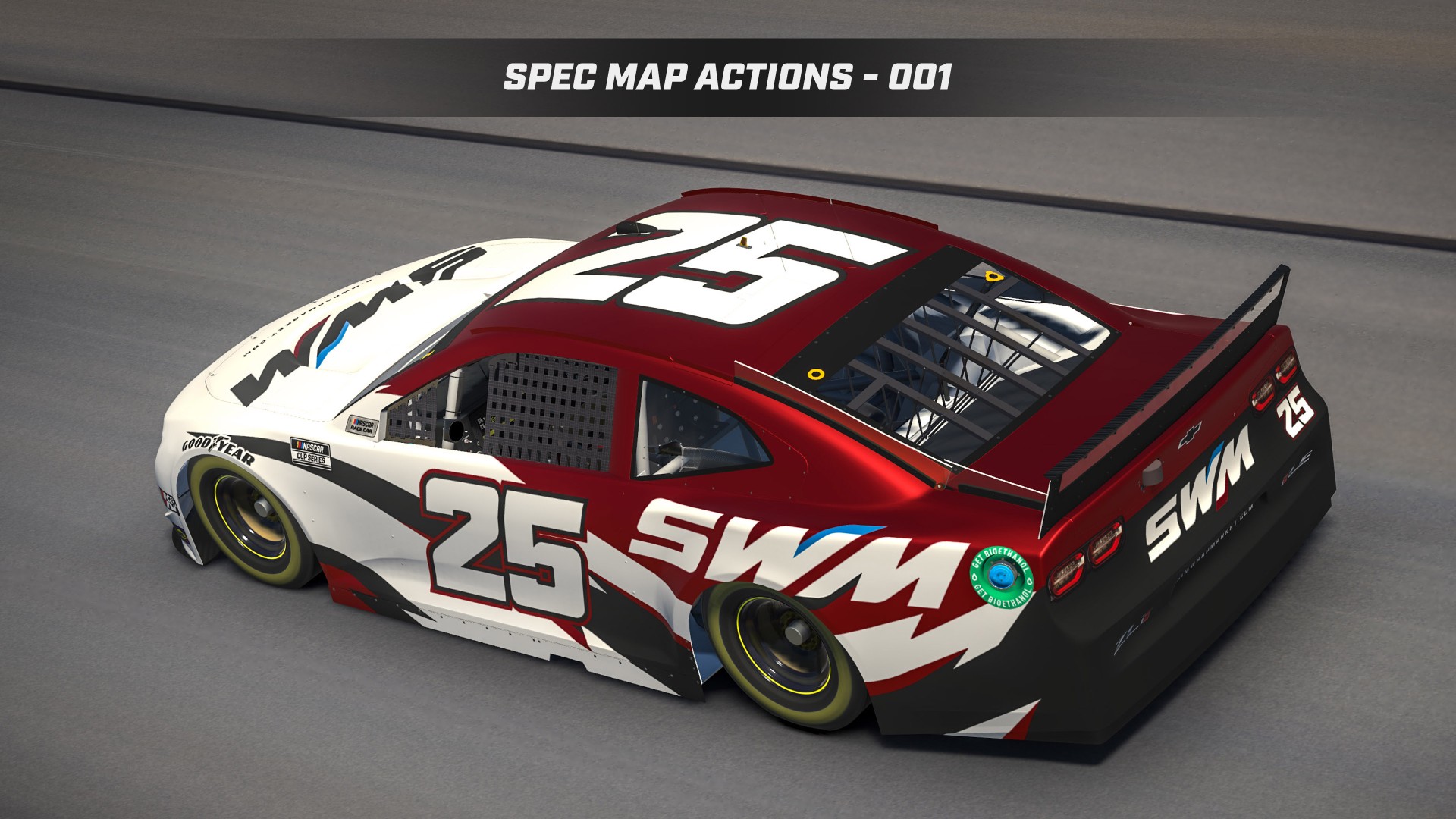
Spec maps are the part of iRacing painting most people put off. Spec Map Actions - 001 are Photoshop actions that handle the repetitive setup so you can spend more time on the paint and less time clicking through layers.
What Spec Map Actions do
Instead of building every finish by hand, you run an action and get a consistent spec map starting point. The pack includes nine finish presets:
Gloss
Flat
Matte
Chrome
Matte Chrome
Metallic
Satin
Candy
Suede
That covers most of what painters need for production paints, league cars, and client work.
Who it’s for
Painters who already finish schemes in Photoshop and want faster spec maps
Anyone tired of rebuilding the same finish stack on every car
Users working with our Vector Smart Templates or Photoshop Smart Templates
Clearcoat note
If your older paints look dull after iRacing’s clearcoat / blue-channel changes, start with iRacing and the Clearcoat Blues. Spec Map Actions help you build the map; that post explains the blue-channel values that control shine.
Get the actions
Spec Map Actions - 001 is available on Sim Wrap Market now. There’s also a Metallic follow-up pack if you need more metallic-focused options.
Load the actions in Photoshop, open your paint file, and run the finish that matches the look you want. From there, fine-tune as needed for the specific car.