Official iRacing PSD
SRX iRacing Paint Template
SRX
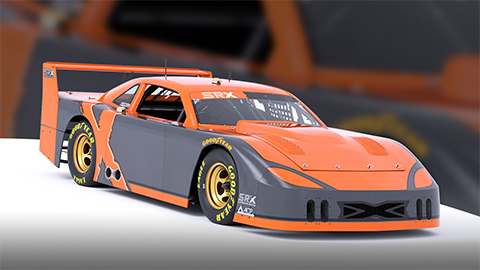
Download the free official SRX iRacing paint template in PSD format. Open it in Photoshop, Photopea, or GIMP to design your livery, then export to your paints folder or Trading Paints.
Legendary racers Tony Stewart and Ray Evernham turned the world on its head when they announced the creation of the Superstar Racing Experience in July 2020. The concept married elements of past all-star racing series with senior tour golf and weekly short track racing: six straight weeks of action in the summer on a mix of paved and dirt ovals, featuring an eclectic mix of racing champions, rising young stars, and even some local heroes who earned their way onto the grid for one shot at glory with the pros.
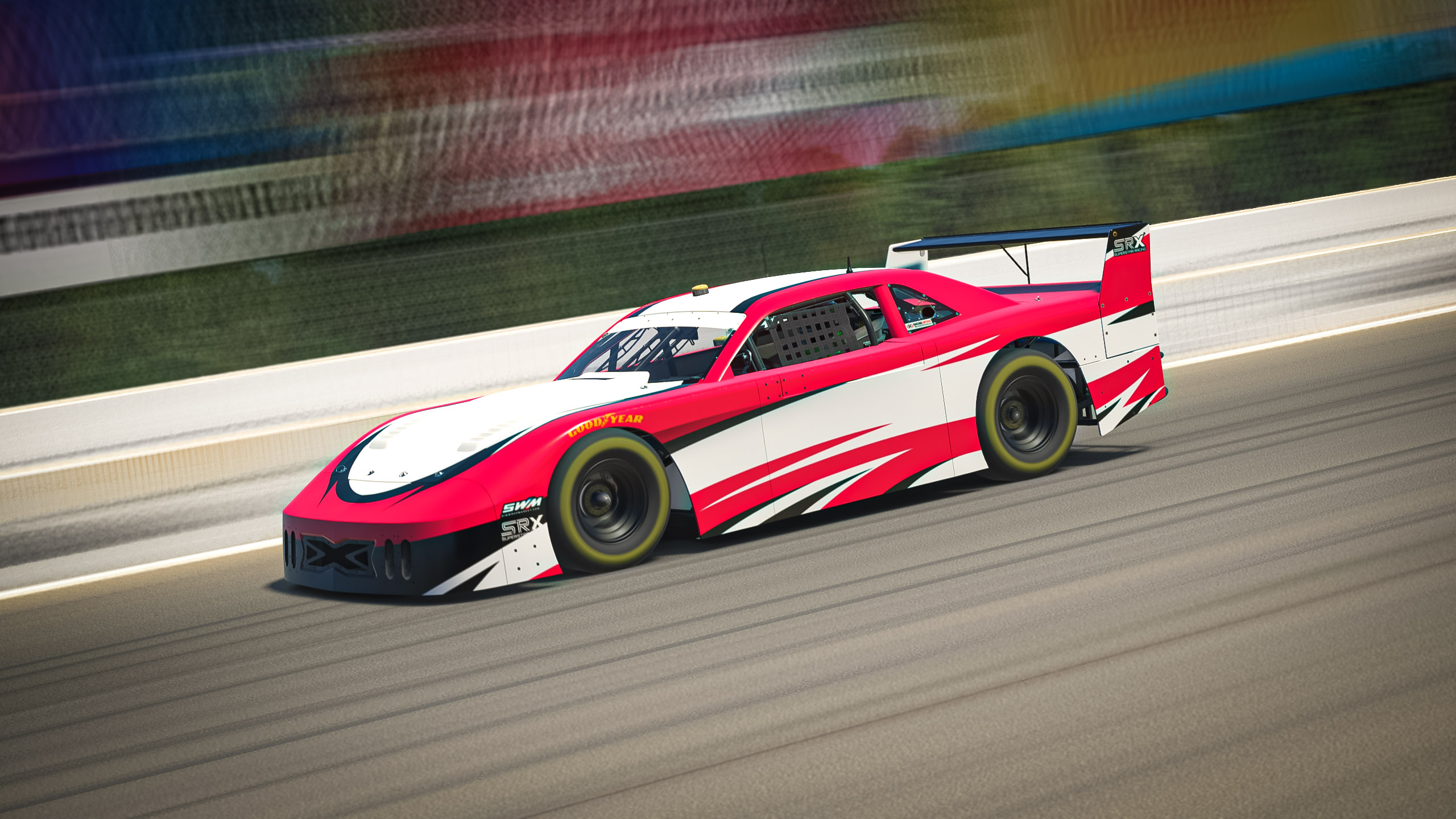
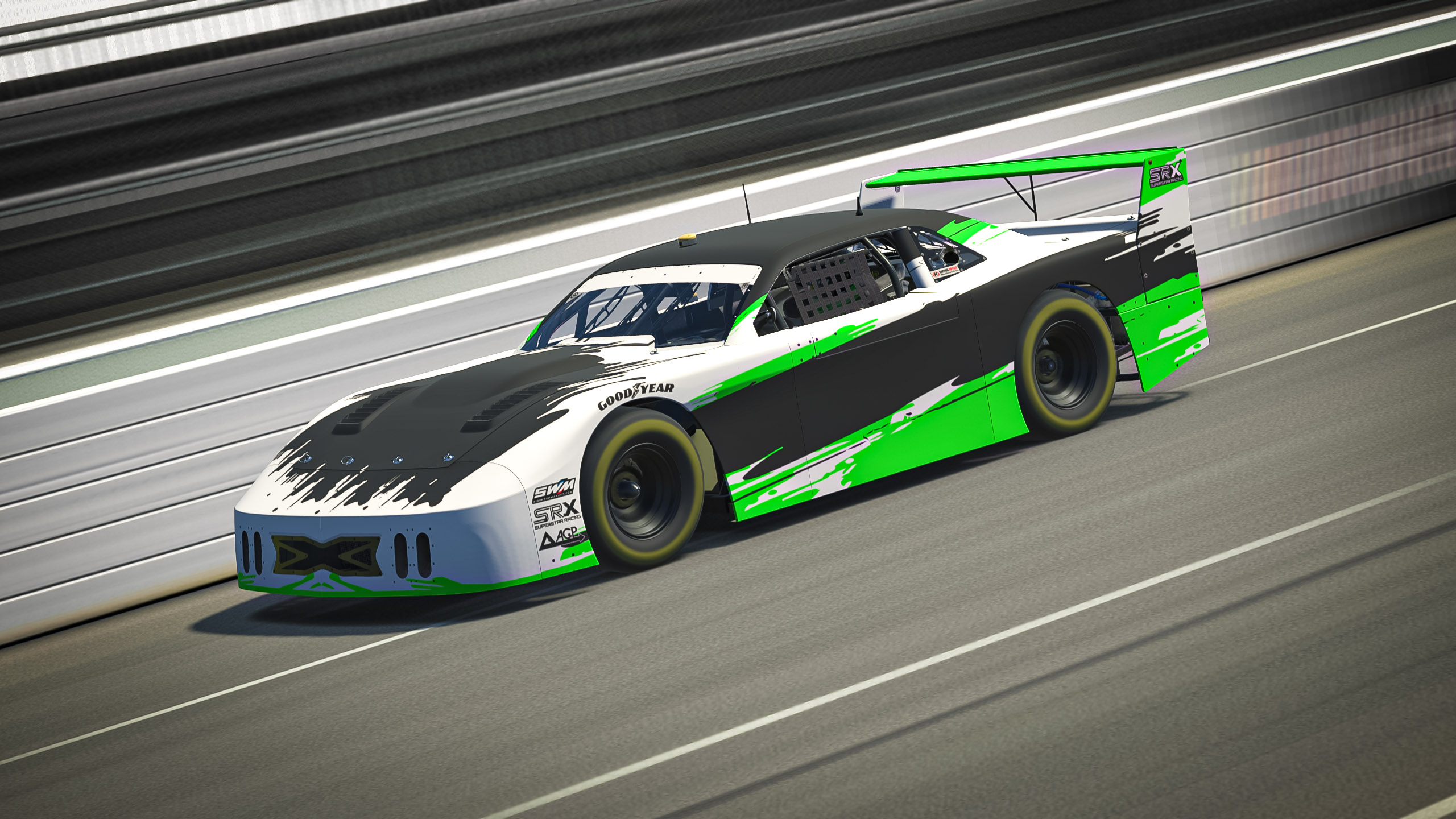
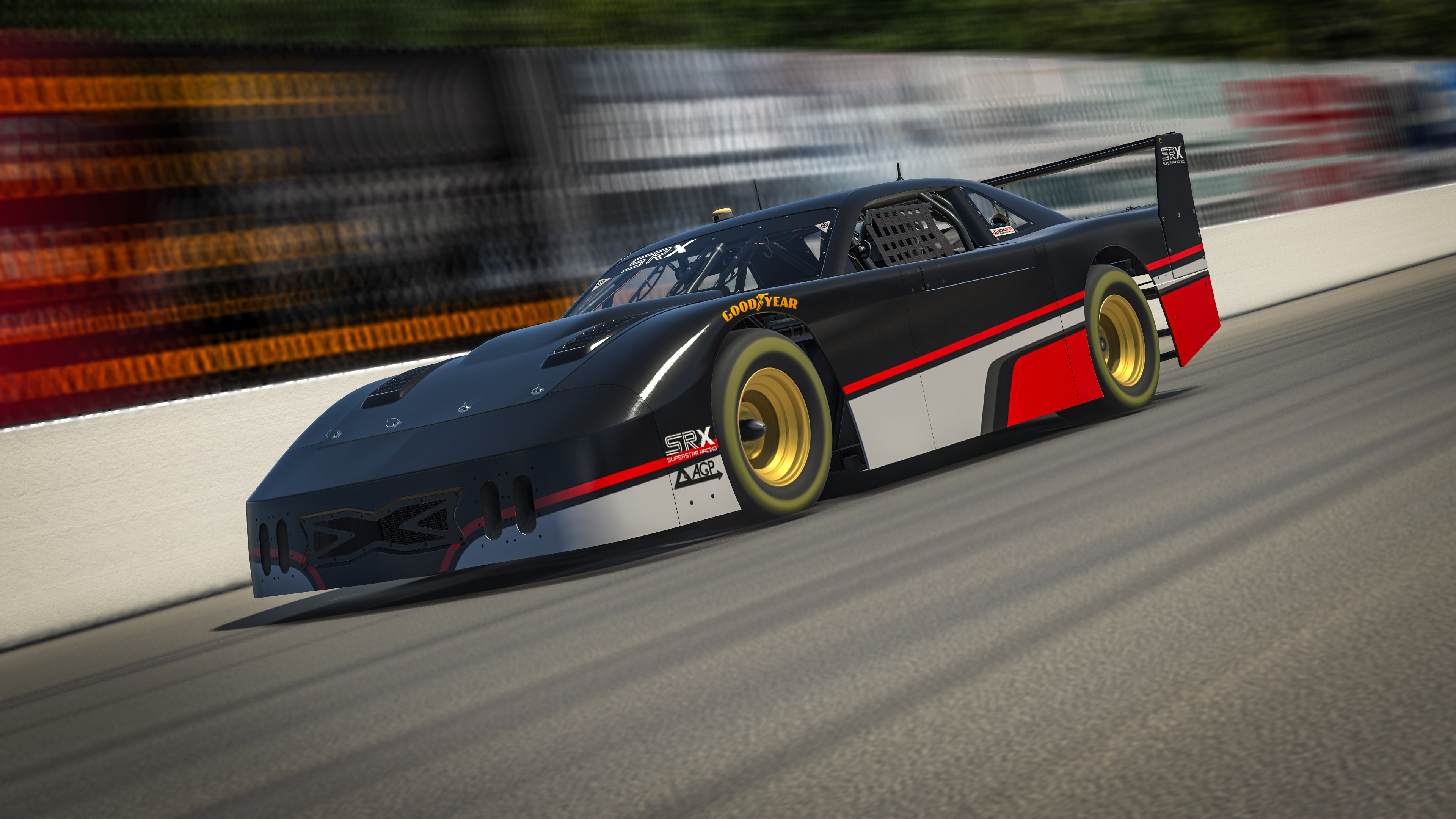
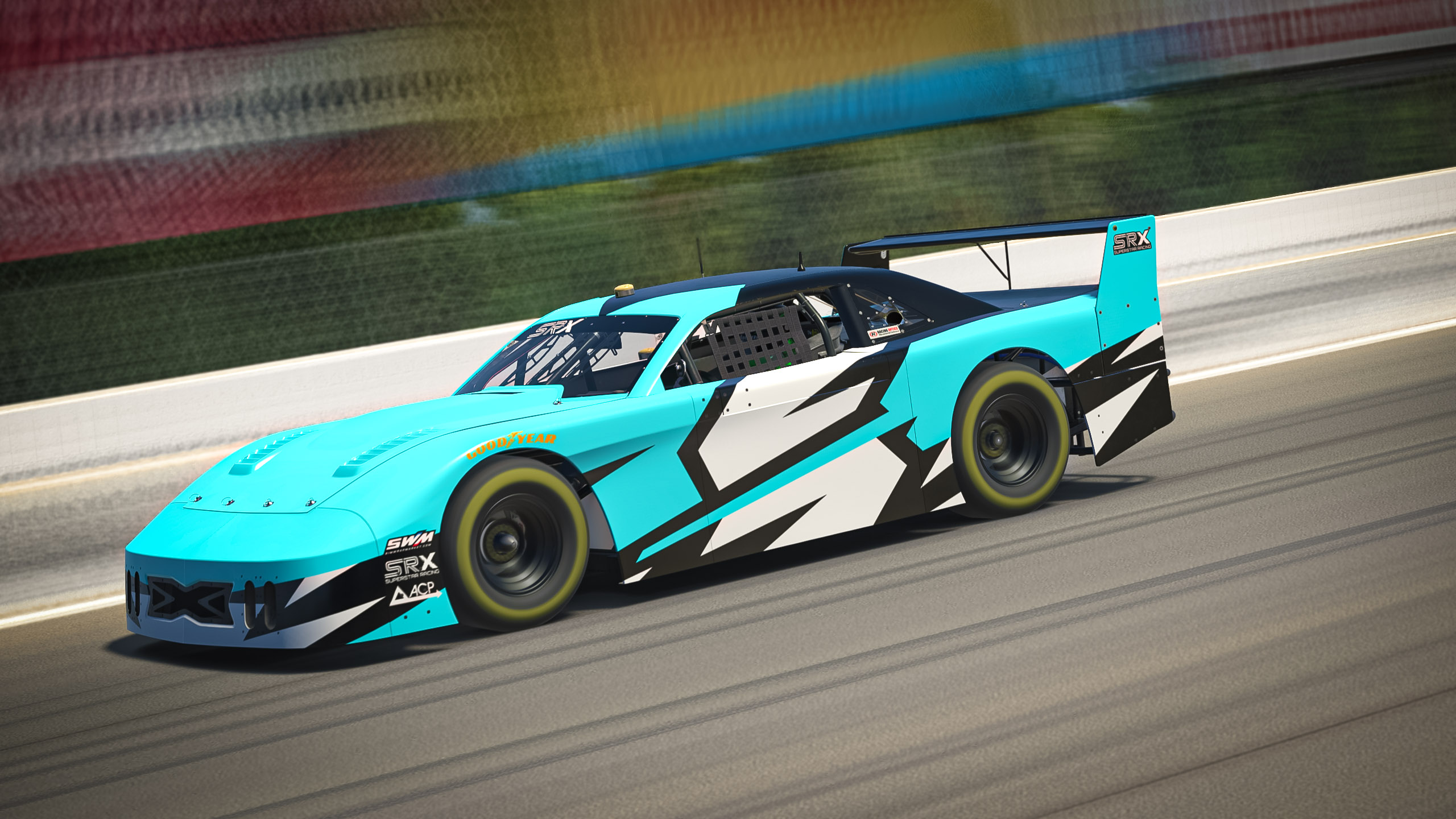
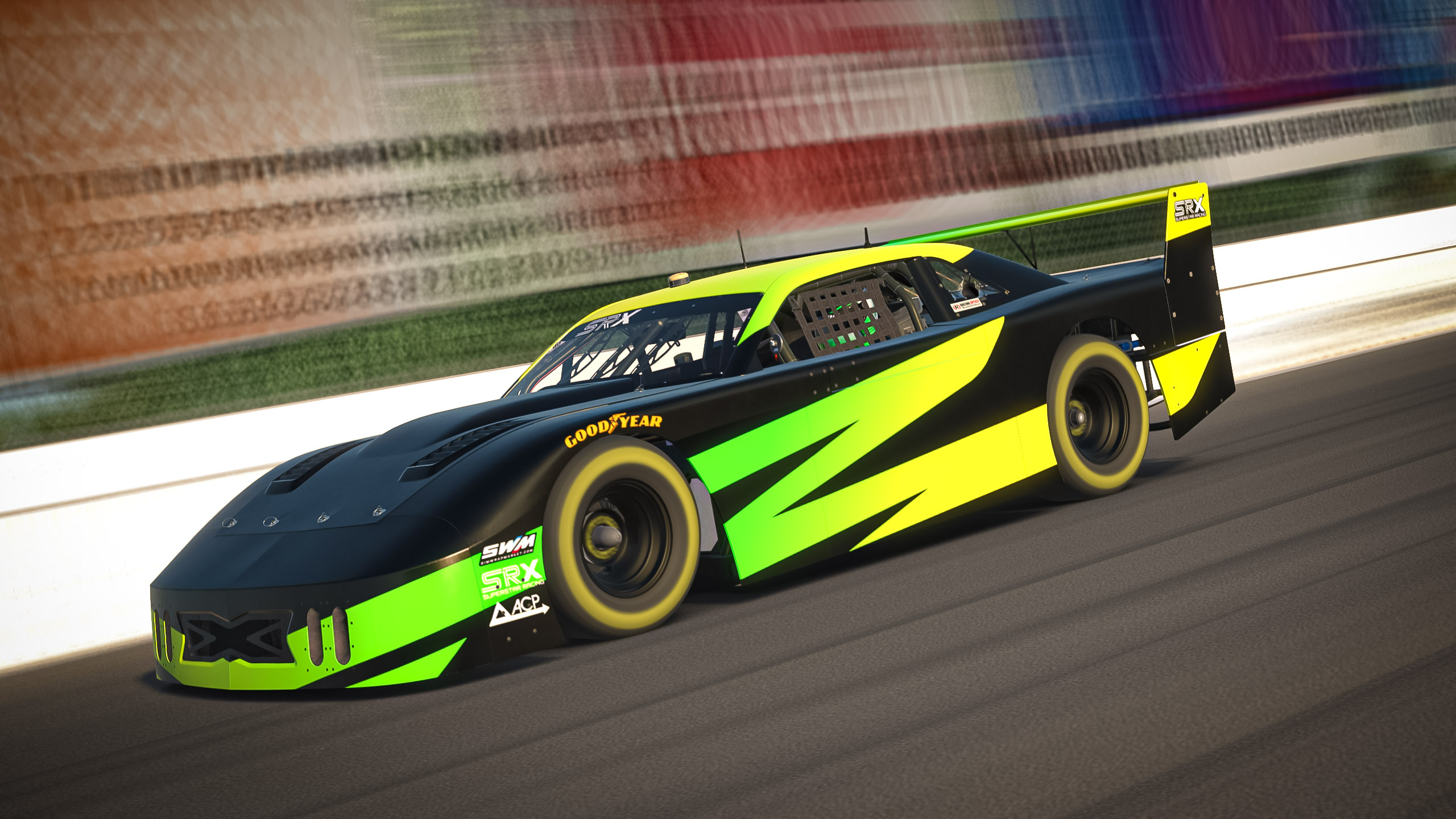
Designed from the ground up by Evernham and built by Fury Race Cars, the SRX car is a stock car unlike any other. Equipped with 700 horsepower Ilmor V8s and a high spoiler straight out of the 1970s, these cars were built for lots of power and low downforce, making them a challenge to drive. Like in the real world, iRacing's SRX car is equipped with both paved and dirt tires so you can race it on whichever ovals you'd like!
SRX template FAQ
Download the free official SRX PSD paint template on this page. No account is required — click Download to save the file and open it in Photoshop, Photopea, or GIMP.
Yes. Official iRacing paint templates on Sim Wrap Market are free to download. They are the same base PSD files iRacing provides for each car.
Open the SRX PSD in Photoshop or Photopea, paint on the numbered layers, export to your iRacing paints folder, and upload to Trading Paints when you are ready to share your livery.
This page hosts the official iRacing PSD. Smart Templates from Sim Wrap Market auto-align graphics across panels. A small selection of free Smart Templates is available on the Downloads page.
Custom designs for SRX
5 designs