Official iRacing PSD
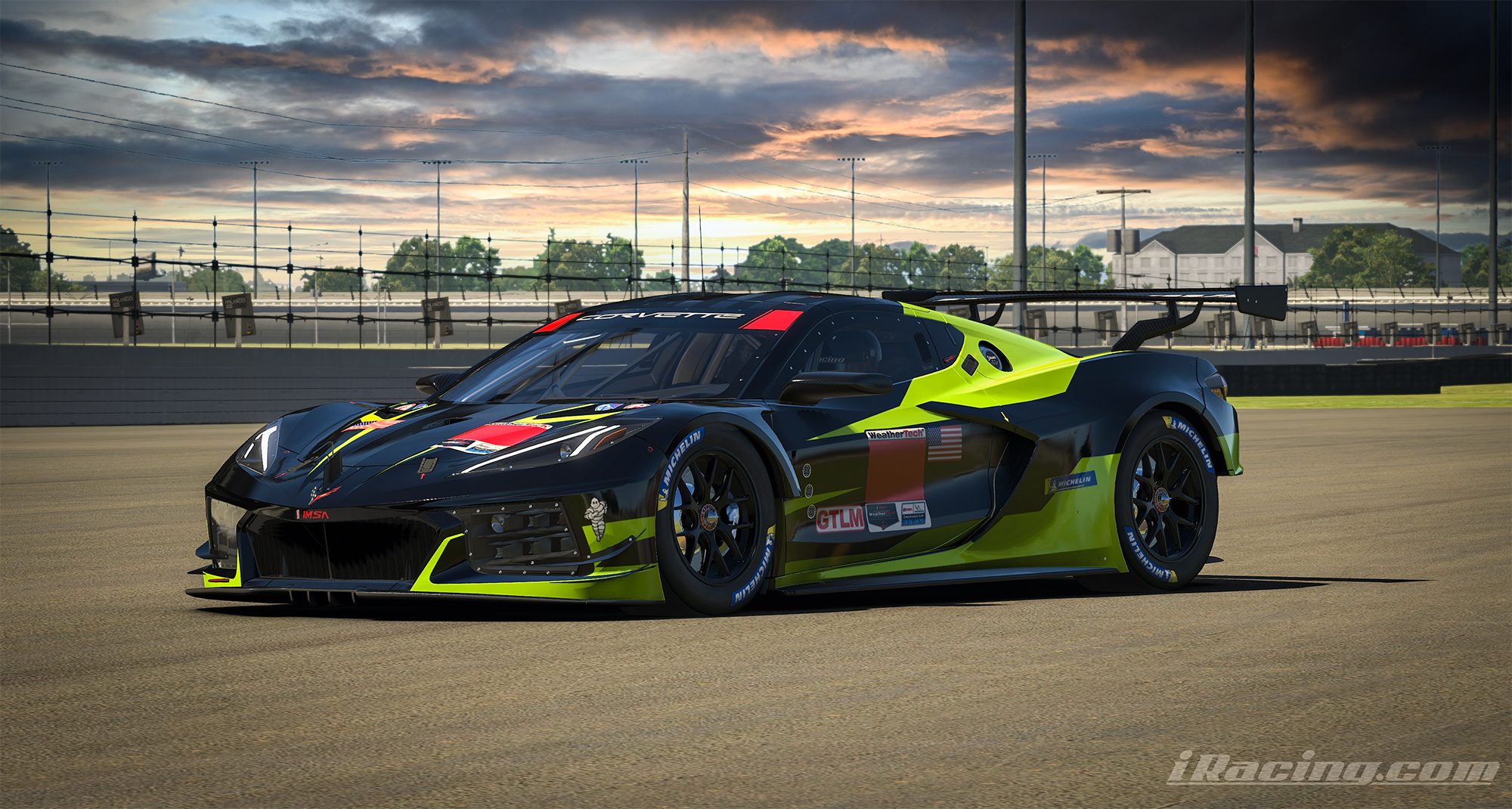
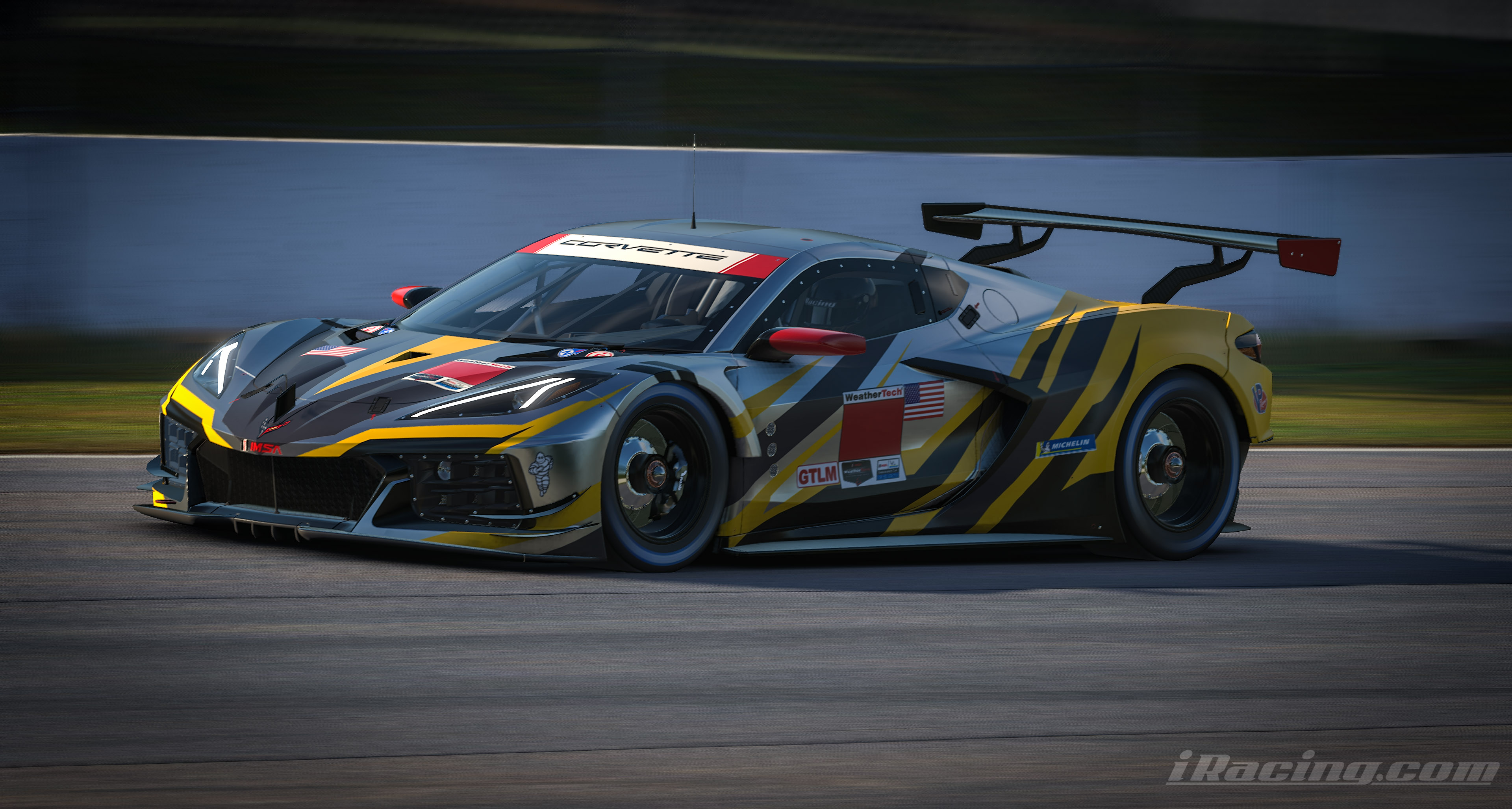
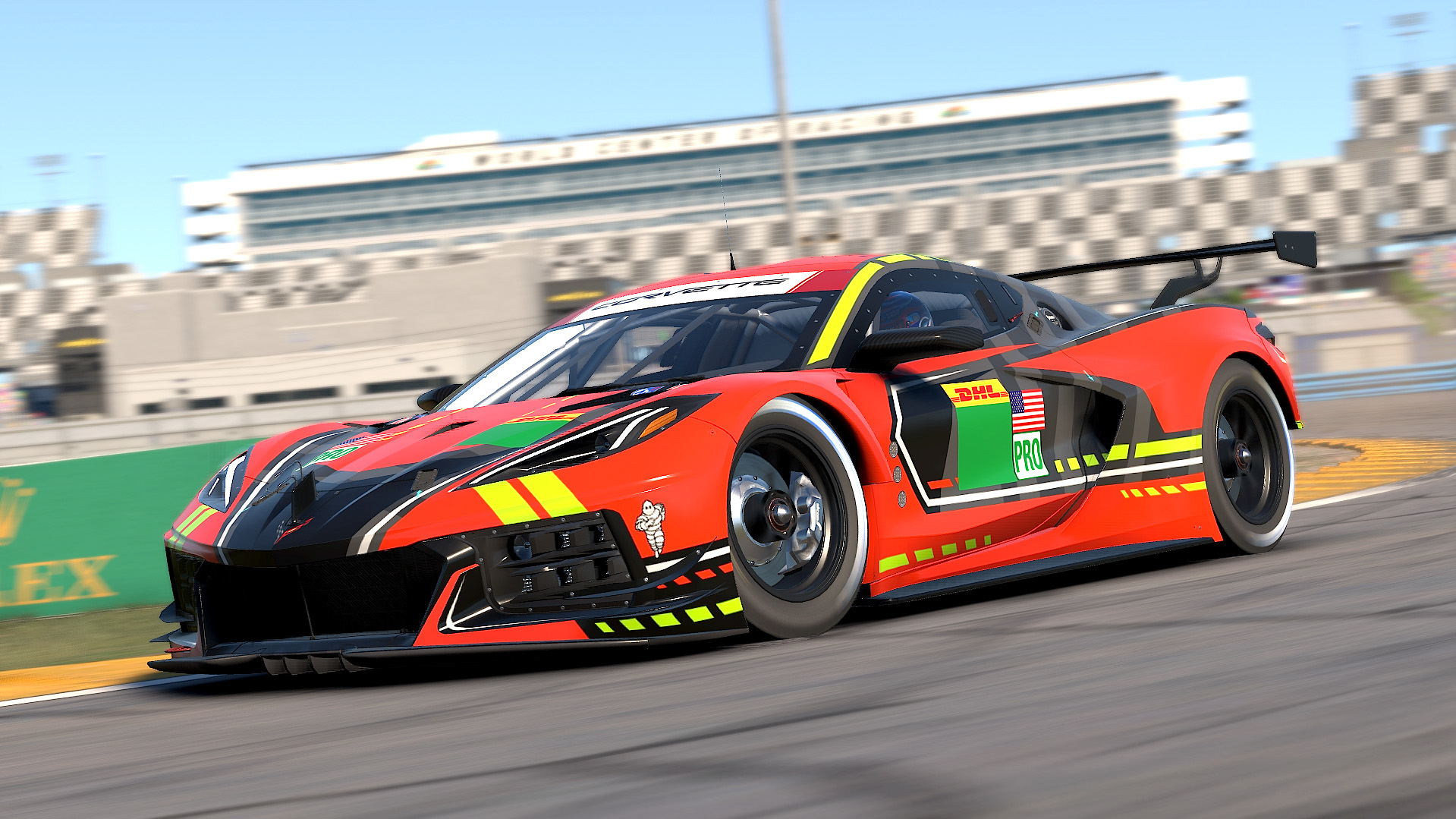
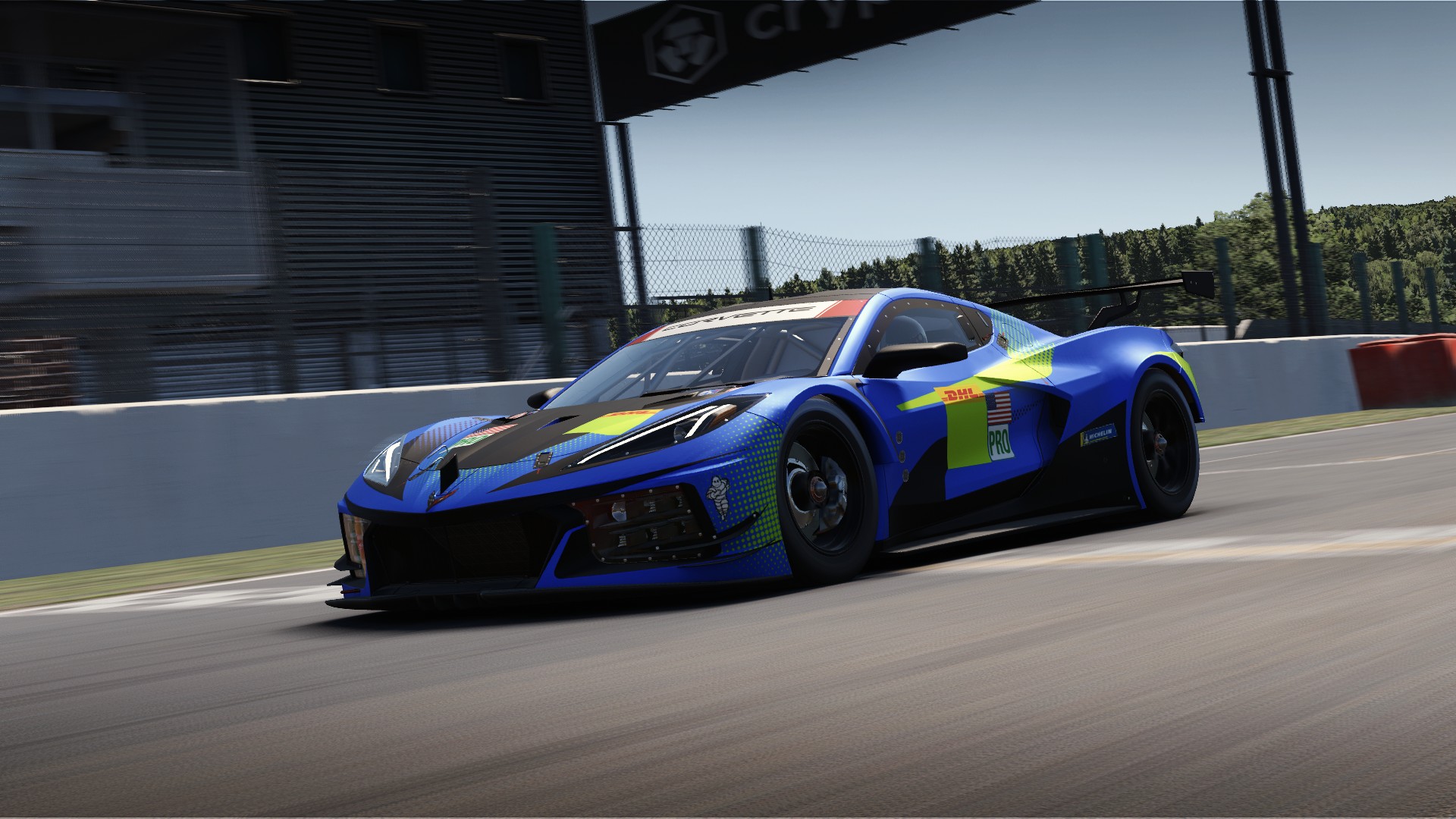
Chevrolet Corvette C8.R GTE iRacing Paint Template
Chevrolet Corvette C8.R GTE
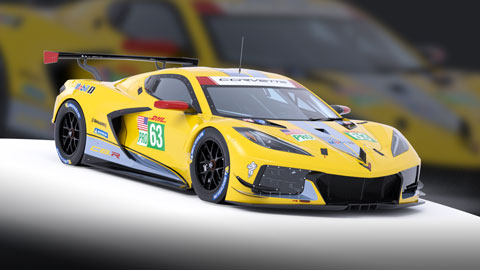
Download the free official GT-class iRacing paint template PSD. Design sports-car liveries with the official layered file for Photoshop, Photopea, or GIMP.
With Chevrolet's move to a mid-engine layout for the eighth-generation Corvette, the brand's IMSA
program made the same shift for the 2020 WeatherTech SportsCar Championship. The Corvette C8.R
builds upon six successful years of racing for its predecessor C7.R, and debuted at the 2020 24 Hours of
Daytona. Six months later, it returned to Daytona and won in just its second race out with drivers Antonio
Garcia and Jordan Taylor, and the week after that, it scored its first 1-2 finish at Sebring International
Raceway.
The latest entry in Chevrolets lengthy sports car racing history features a 5.5-liter power plant that
produces 500 horsepower at 7400 rpm. It's the fourth Corvette built by Pratt & Miller since partnering with
General Motors in 1999, a relationship that has brought eight victories at the 24 Hours of Le Mans, three
at the 24 Hours of Daytona, and 11 in the 12 Hours of Sebring.
Chevrolet Corvette C8.R GTE template FAQ
Download the free official Chevrolet Corvette C8.R GTE PSD paint template on this page. No account is required — click Download to save the file and open it in Photoshop, Photopea, or GIMP.
Yes. Official iRacing paint templates on Sim Wrap Market are free to download. They are the same base PSD files iRacing provides for each car.
Open the Chevrolet Corvette C8.R GTE PSD in Photoshop or Photopea, paint on the numbered layers, export to your iRacing paints folder, and upload to Trading Paints when you are ready to share your livery.
This page hosts the official iRacing PSD. Smart Templates from Sim Wrap Market auto-align graphics across panels. A small selection of free Smart Templates is available on the Downloads page.
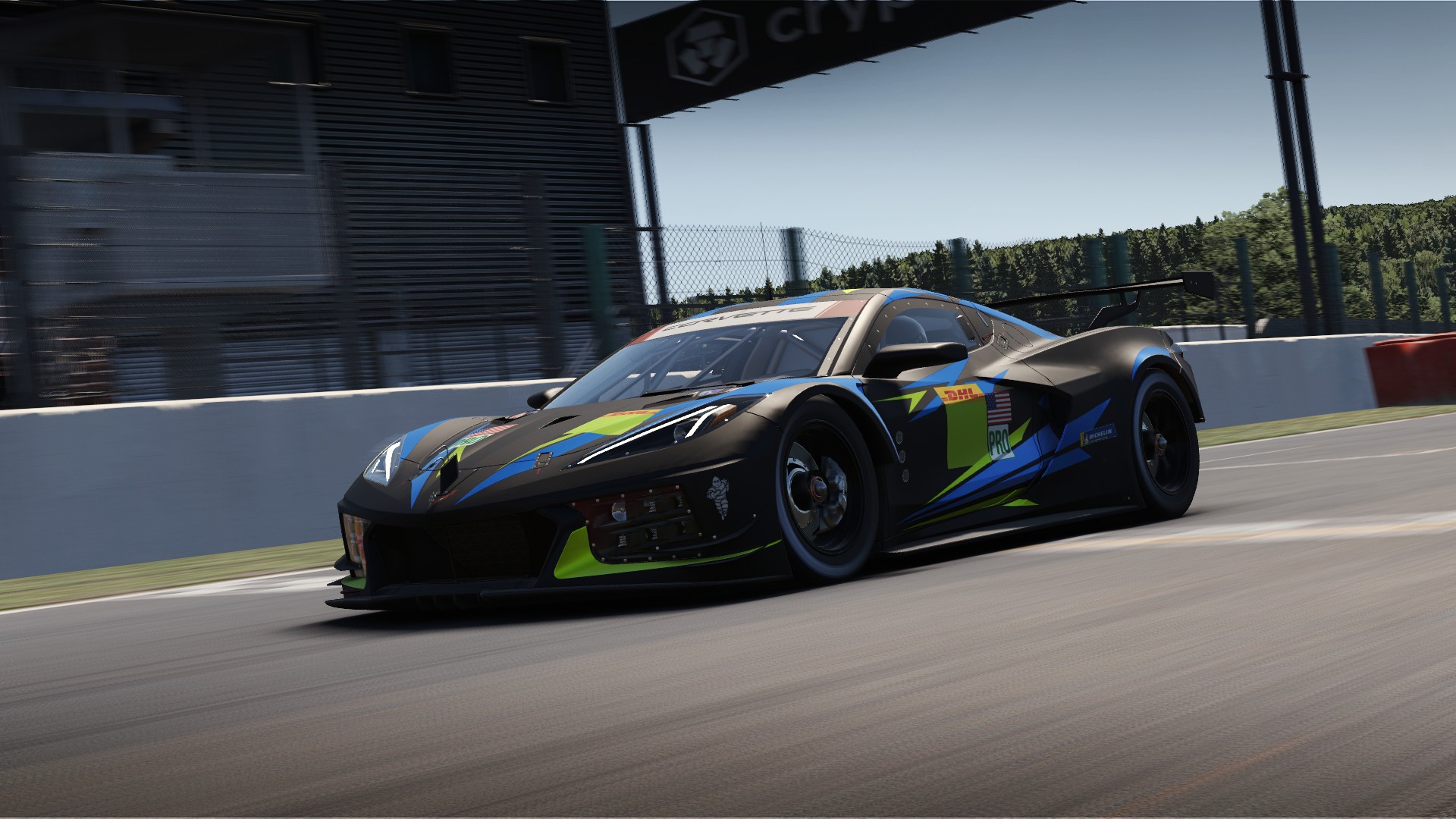
Custom designs for Chevrolet Corvette C8.R GTE
5 designs